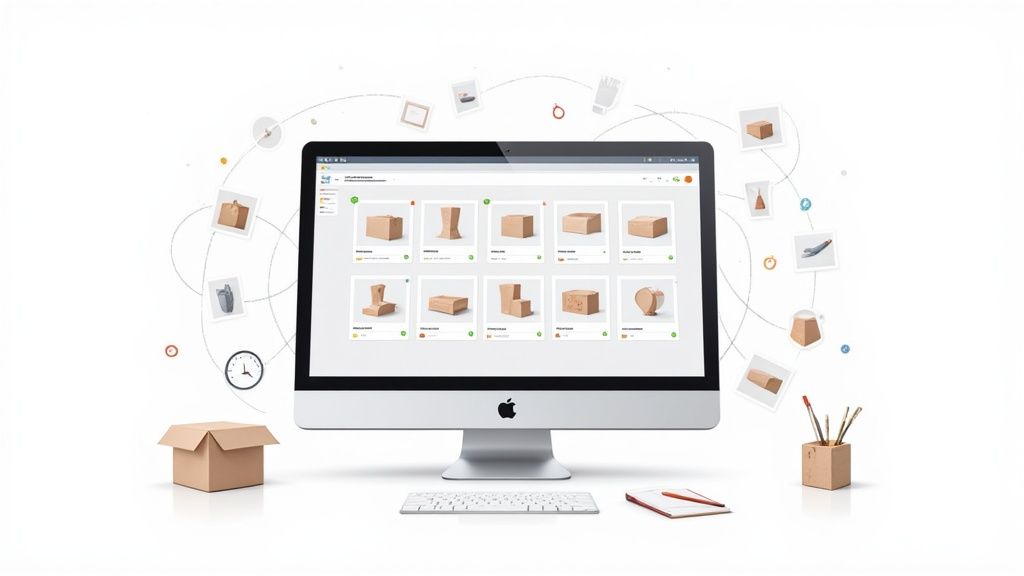

Batch Product Photography at Scale: How ProdShot’s Batch Create Saves Time and Money

If you’ve ever had to photograph hundreds—or even thousands—of products, you know the pain: scheduling studio time, setting up lights, snapping every angle, editing endlessly, and paying a small fortune for the privilege. For small and medium ecommerce businesses, traditional product photography can be one of the biggest bottlenecks in getting new products online.
That’s exactly why we built Batch Create at ProdShot. It’s a feature designed to take the heavy lifting out of bulk product photography, letting you generate up to 1,000 professional-grade images at once—all in just a few minutes.
What Is Batch Create?
Batch Create is our bulk-processing tool that transforms entire product catalogs into polished, ecommerce-ready images. With a single upload, you can:
Upload up to 200 source images (or a ZIP file)
Apply your preferred style preset—white background, lifestyle look, or branded setting
Generate up to 1,000 finished product photos in one run
Download them individually or as a single ZIP package
It’s designed for scale meets simplicity: whether you have 20 products or 2,000, the process is the same—upload, process, download.

Why Batch Create Matters
1. Speed & Efficiency
Instead of days of studio time or weeks waiting on a photographer, Batch Create processes hundreds of products in minutes. Real-time progress tracking keeps you updated while the AI works in parallel.
2. Consistency at Scale
Ecommerce thrives on visual consistency. With style presets, you can lock in your preferred look once and apply it across your entire catalog. The result? Every product photo matches perfectly, whether it’s a holiday launch or a permanent collection.
3. Cost Savings That Add Up
Traditional product photography typically costs $25–$100+ per image. For 1,000 products, that’s $25,000–$100,000.
With ProdShot Batch Create, you can generate 1,000 images for about $50. That’s not a typo—it’s the difference between breaking the bank and scaling with confidence.
4. Flexibility for Any Business
Whether you’re a fashion brand rolling out new arrivals, a restaurant updating your menu, or a retailer prepping seasonal catalogs, Batch Create adapts to your workflow. One upload, endless possibilities.
How Does It Compare to Traditional Photography?
| Traditional Photography | ProdShot Batch Create |
| Studio rental, lighting, gear required | No studio, just your phone or camera |
| $25–$100+ per image | ~$0.05 per image |
| Days or weeks turnaround | Minutes |
| Manual editing per photo | Automated, preset-based editing |
| Difficult to maintain consistency | Perfectly uniform styling every time |
Real-World Scenarios
Fashion Retailer: Launching a new collection of 500 products? Batch Create can have every item shot, styled, and ready for upload overnight—saving tens of thousands in studio costs.
Restaurant: Updating your seasonal menu? Upload dish shots and instantly create appetizing, styled images that look uniform across your website and delivery apps.
Holiday Catalogs: Preparing for Black Friday or Christmas campaigns? Keep visuals consistent across hundreds of SKUs with just one preset.
Tips to Get the Most Out of Batch Create
Start with quality source images: Clear, well-lit shots yield the best results.
Use descriptive file names: Helps keep your outputs organized.
Save your style presets: Once you’ve dialed in a look, re-use it across collections for consistent branding.
Plan ahead: Batch processing is ideal for seasonal launches and catalog updates.
Final Thoughts
Batch Create isn’t just about making product photography faster—it’s about making it possible for every ecommerce business, regardless of size, to look professional online. No expensive studios, no weeks of delays, no runaway budgets. Just upload, process, and go.
Ready to scale your product photography? Try Batch Create today and see how easy it is to transform your catalog in minutes.
Comments
Join the discussionNo comments yet. Be the first to comment.